party
Make Your Party Gallery a Friendly Judged Photo Contest
A low-pressure party photo contest starts with a welcoming prompt, clear judging criteria, respectful photo permissions and rules guests can understand.
The onesnap team · 21 October 2026 · 9 min read
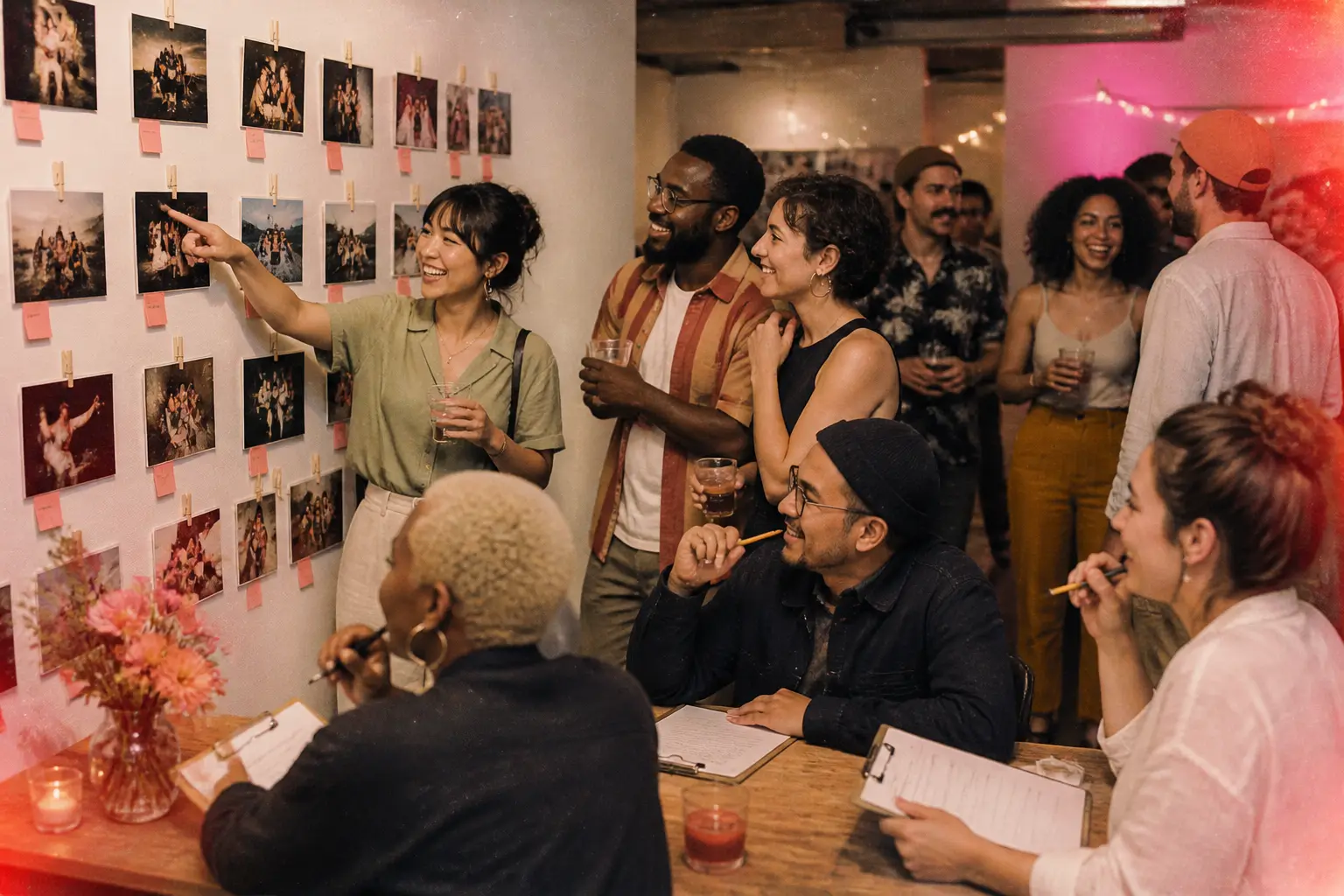
A photo contest can add a playful purpose to a party gallery without making the celebration feel competitive. Done well, it gives guests a reason to notice the details: the people reconnecting, the thoughtful styling, the shared joke, the quiet catch-up and the moment everyone starts to relax.
The key is to keep it social and transparent. Guests should understand the prompt, know that taking part is optional, see how the winner will be chosen, and know what use may be made of a photo they submit to the contest.
For a private celebration, the friendliest approach is usually a judged photo contest. Rather than relying on a draw or a popularity vote, a named person or small judging group chooses a winner against published criteria. That keeps the focus on the party and the creative prompt, not on who can gather the most support.
A shared gallery can be a lovely place to gather party perspectives. With onesnap, guests join an event through a QR code or invite link, with no account creation or app download required. They can capture still photos for the shared roll, and the host chooses when that roll is revealed. If you also run a contest, be clear that its rules and administration sit alongside the gallery, including exactly how guests can enter and how images will be considered.
Choose a prompt that feels inviting, not intimidating
The best contest prompt rewards attention rather than technical skill. Avoid language that makes guests feel they need specialist equipment or perfect photography knowledge. A phone photo that catches the feeling of the night should have every chance of being recognised.
Try a prompt such as:
- The heart of the party: capture the moment that best reflects the celebration.
- A detail worth remembering: notice a handmade touch, favourite food, outfit detail or meaningful decoration.
- Connection: photograph a warm, candid moment between people.
- The unexpected moment: find something funny, surprising or joyful.
- My view of the celebration: share a personal perspective while respecting other guests’ boundaries.
A good prompt also sets safe expectations. It should not encourage guests to interrupt personal conversations, photograph someone who has asked not to be photographed, enter restricted areas or take risks to get a dramatic angle.
State whether eligible photos need to be taken during the event. Explain any editing rules in plain language. You may decide that an image can be disqualified if it is materially edited or misleading, unsafe, unrelated to the prompt, taken outside the stated event timeframe, or submitted without needed permissions.
Use a real judging process, not a popularity race
A contest works best when people can see what “good” means before they participate. Publish the judging criteria and their weighting, name the judge or judging group, and use the same process for every eligible image.
The ABC’s competition policy is a helpful example of the principle: skill-based contests should have clear judging criteria and a skill-based tie-break process. Read the policy.
For a party photo contest, your criteria might cover:
- how strongly the image captures the atmosphere of the event
- creativity or point of view
- relevance to the prompt
- composition and clarity
Name who will judge. It could be the host and co-host, a small organising group, or a trusted guest who is not taking part. If you intend to create a shortlist, say so in advance. Also state how a tie will be resolved, such as awarding the result to the image that scores more highly on the criterion most closely tied to the prompt.
It is wise to avoid a random draw, random-vote result or casual fallback if the judging process ends in a tie. Competition and lottery rules can vary depending on where the promotion is offered and how it operates. Australian guidance notes that promotions and lotteries are regulated by states and territories, while New Zealand guidance says promotional material needs to explain how the winner is determined and how and when they will be notified. Australian guidance is available from business.gov.au, and New Zealand guidance is available from the Department of Internal Affairs.
For guests in the United States, take particular care with any chance-based promotion. The FTC says that legitimate sweepstakes are free and chance-based, and that it is illegal to require payment or purchase to enter or improve a person’s odds. See the FTC guidance.
Put the rules in writing before the contest starts
Your party invitation or welcome sign can keep the message light. The full rules should still be easy to find before anyone takes part, in readable text rather than only inside a designed graphic.
Explain:
- the organiser’s name and contact details
- who is eligible, including relevant age and location requirements
- when participation opens and closes
- how a guest can take part in the contest
- the prize, with an accurate description and value where applicable
- the judging criteria, their weighting and the tie-break method
- who will judge
- how and when finalists and the winner will be notified
- what happens if a winner cannot be contacted
- the grounds for disqualification
- the permissions and licence requested for submitted photos
A modest prize is often enough for a private party. The prize could be a small thank-you, a meaningful party-related item, or the opportunity for the winner’s image to be featured in a recap that has been clearly described in the rules. The important part is accuracy: decide the prize first, then describe it plainly.
Respect rights in every photo
Uploading a photograph does not automatically transfer ownership to the organiser. In the United States, photographs can be protected by copyright, and the photographer will generally own copyright in the photo they took. In Australia, copyright owners control uses including copying, publishing and making work available online, and may license those uses. The U.S. Copyright Office explains copyright here, while IP Australia explains licensing and rights management here.
Your terms should request a clearly defined, non-exclusive licence that covers only what you need. For a party contest, that may include displaying the photo in the event gallery, assessing it for the contest, announcing finalists and the winner, and including it in a specifically described event recap.
If you would like to use an image outside the event context, be direct about it. Say where it may appear, for what purpose and for how long. Broad language that claims every possible future use is unlikely to feel appropriate for a friendly party activity.
Ask entrants to confirm that:
- they took the image or have permission from the copyright owner to submit it
- they have any permissions needed from recognisable people in the image
- the image does not infringe another person’s rights
- they understand the limited uses covered by the contest licence
Provide a simple contact route for concerns or removal requests. If a photo raises a rights, safety or consent concern, do not include it in contest consideration until the concern is resolved.
Make opting out easy and normal
Not everyone wants to be photographed, and nobody should need to make a public announcement to maintain that boundary. Tell guests early that participation is optional and explain how they can let the host know if they do not want to be photographed or featured. Plan this as a host process: for example, nominate a contact person, brief anyone taking photos, and make clear that guests can raise concerns privately.
In Australia, identifiable photos may be personal information for organisations covered by the Privacy Act. The OAIC says it is good practice to seek express consent for online publication after explaining the intended use and who can see the image. Read the OAIC guidance.
In New Zealand, the Privacy Commissioner advises businesses to seek consent before using a person’s photo in advertising contexts. Read the New Zealand guidance.
Take additional care at parties involving children. Let parents, carers and young people know that photography is happening, why it is happening and how to express a preference. New Zealand privacy guidance recommends offering a choice where practical and ensuring photographers understand which children do not have consent. See the guidance for children and young people.
Only collect the personal information needed to administer the contest, such as a name, contact method and information necessary to confirm eligibility. Explain why you need it, who can access it and how it will be handled. The OAIC advises that organisations may collect personal information only where it is reasonably necessary for their work. Read its collection guidance.
Keep the gallery part simple
For the party gallery itself, place the event QR code where guests naturally pause: near the welcome area, alongside food or drinks, or on a table card near the prompt. Keep the direction short and practical: scan the code, join the shared roll, and take still photos that reflect the celebration.
A onesnap host can choose a per-guest shot limit and decide when the shared roll is revealed. Those choices can support a sense of occasion, but they do not need to become part of the contest. Let the prompt and judging criteria create the creative focus.
Moderate contest entries before including them in the judging pool. Check that each image is relevant to the prompt and does not raise obvious safety, consent or third-party rights concerns. This is also the point to remove entries that fall outside your published rules.
When you announce the outcome, thank all participants and connect the decision back to the published criteria. Only name or feature people in line with the permissions you have sought. A warm explanation such as “this image captured the party’s sense of connection and answered the prompt beautifully” feels more generous than a grand winner’s speech.
Make contest information accessible to every guest
Do not put essential contest information only on a decorative sign. Make the prompt, rules, finalist information and winner announcement available as ordinary text. A host can provide this separately, such as on a simple accessible webpage, in an email or message to guests, or as a printed copy available at the party.
Offer a non-image-dependent way to understand the contest outcome. For example, your written winner announcement can name the winning entry, explain how it met the published criteria and include a short plain-language description of the photo where useful.
If you create a separate host-managed recap page or printed display that uses informative photos, add meaningful text alternatives or descriptions in that material. For example: “Friends in colourful hats laughing beside the dessert table.” W3C guidance explains that images conveying information need text alternatives, while purely decorative images should use empty alternative text. Read the W3C images tutorial.
A friendly photo contest is not about finding the most polished image in the room. It is about giving guests a gentle reason to notice what made the gathering special, while being honest about the rules, respectful of personal boundaries and careful with everyone’s photos.
Sources and further reading
- Competitions and Prizes - ABC Editorial Policies
- Gambling Fact Sheet 9 - Sales Promotions - dia.govt.nz
- Marketing | business.gov.au
- Fake Prize, Sweepstakes, and Lottery Scams | Consumer Advice
- What is Copyright? | U.S. Copyright Office
- Copyright licensing and rights management organisations in Australia | IP Australia First Response
- Posting photos and videos | OAIC
- AskUs | Article | Can a business use a photo of me in their advertising without my consent? | Office of the Privacy Commissioner
Written by the onesnap team with AI assistance. We never use customer photos, invent testimonials, or publish named competitor comparisons.
Read our editorial policyReady to see the night from every angle?
Create an event