corporate
A photo sharing plan for conferences and trade shows
Build a clear, privacy-aware photo plan for your conference or trade show, from briefing photographers and exhibitors to reviewing images and sharing approved galleries.
The onesnap team · 6 August 2026 · 8 min read

A useful conference photo gallery does more than collect flattering shots from the day. It gives attendees, speakers, sponsors and exhibitors a dependable place to find approved images, while helping the organiser manage access, permissions, retention and removal requests.
The key word is approved. A busy expo floor creates plenty of photo opportunities, but not every image belongs in a shared gallery. Some speakers may not want slides photographed. An exhibitor may be demonstrating something confidential. An attendee may have a valid reason not to appear in close-up coverage.
A good plan makes those decisions before doors open, rather than trying to fix them after images have been distributed.
Start with a clear purpose for the gallery
Before booking photographers, choosing a photo-sharing tool or writing signage, decide what the gallery is meant to achieve. Your answer should be specific.
It might be for:
- attendee memories and post-event recaps;
- sponsor and exhibitor access to approved activation images;
- event marketing for future editions;
- media and communications;
- internal reporting and stakeholder updates.
This step affects what you collect, who can see it and how long you keep it. New Zealand’s privacy guidance says personal information should be collected for a lawful purpose connected to an organisation’s functions and only where collection is necessary for that purpose. Principle 1 from the Office of the Privacy Commissioner is a helpful starting point for any event team, wherever the event is held.
Photos of identifiable people can be personal information. The Australian Office of the Australian Information Commissioner also notes that images can reveal sensitive information in some circumstances. Read its guidance on posting photos when building your process.
Write a short plain-language statement that answers:
- Who is taking and managing event photos?
- Why are photos being collected?
- Where will approved photos appear?
- Who can access each gallery?
- Will sponsors or exhibitors receive any images?
- How can someone ask a question, raise a concern or request removal?
Place this information where people will actually encounter it: during registration, in confirmation emails, on event signage and in the event information hub. The New Zealand Privacy Commissioner recognises notices, banners and pop-ups as practical ways to communicate collection and use, and explains what an external privacy statement should cover in its guidance on privacy statements, notices and policies.
Set the photo rules before the floor gets busy
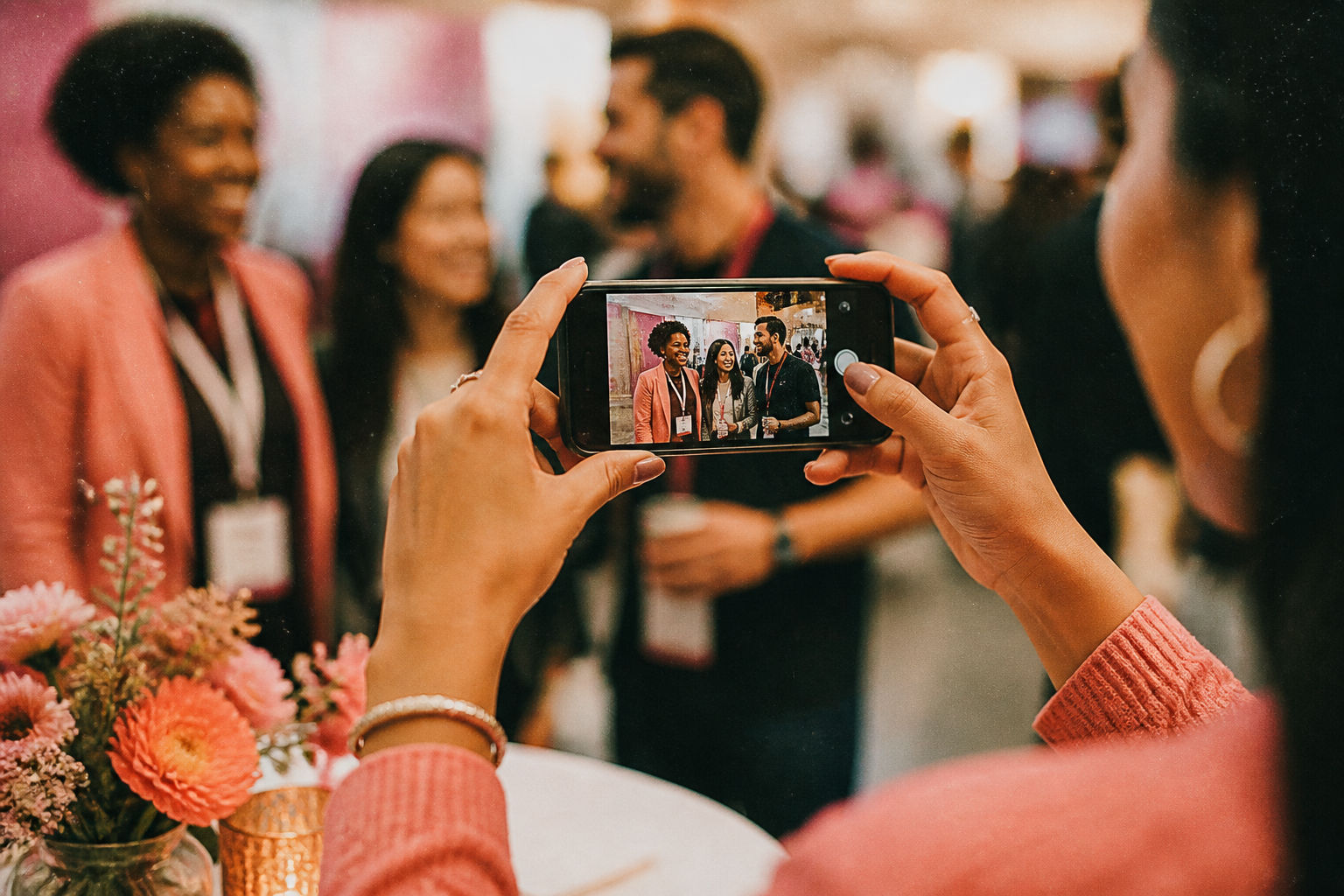
A conference needs a photography policy that distinguishes official event coverage from attendee personal-use photos and exhibitor activity. Keep it short enough to read, but firm enough to guide decisions.
Your policy can cover:
- official photographers and how they are identified;
- spaces, sessions or demonstrations where photos are not permitted;
- whether attendees may take personal photos;
- whether exhibitors may photograph only their own stand;
- how presenters can nominate slide, session or speaker restrictions;
- who can approve exceptions on the day.
For example, AGU’s meeting guidance permits personal-use photography unless a presenter has stated or displayed a no-photos preference. Its approach is a useful reminder that presenter preferences need to be visible, not buried in an organiser’s internal notes.
Trade show rules deserve particular care. A practical default is that exhibitors may photograph their own booth and activation, but need written approval before taking broader expo-floor images. The NFPA Conference & Expo photography guidelines offer an example of this distinction.
Also confirm the venue’s rules early. Some venues restrict equipment or flash use, and event conditions may vary. The Australian Sports Commission notes that venue photography restrictions can apply, so check the relevant site requirements rather than assuming a standard conference setup will be accepted. See its venue guidance.
Give attendees a real opt-out path
A line in the registration terms is not enough on its own. People need a workable way to flag concerns before and during the event.
Include:
- a pre-event opt-out or photo-preference field in registration;
- a clearly named on-site contact;
- a process for communicating the preference to official photographers;
- a procedure for handling a later removal request;
- extra care in sensitive, restricted or high-security settings.
For individual portraits and small groups in sensitive contexts, use an ask-first approach. If someone objects, do not photograph them. If an issue is raised later, handle it promptly under your published process. SAINTCON’s photo policy is one example of a policy that requires consent for photographs of people and provides for deletion when requested.
Avoid making opt-out status overly visible to other attendees. The goal is to equip the photography team with the information they need without creating an uncomfortable label for the person involved.

Brief your photography team like an operations team
Strong event photography is rarely the result of handing someone a run sheet at the registration desk. Give photographers context ahead of time so they know where to be, what matters and what must be avoided.
Your pre-event briefing pack should include:
- the programme and key timings;
- a venue floor plan;
- contact details for one on-site decision-maker;
- the event’s photography policy and exclusions;
- a priority list of speakers, sponsors, exhibitors and award recipients;
- brand guidance for images intended for event marketing;
- instructions for capturing signage, names and logos appropriately;
- the intended delivery and review workflow.
A conference photography checklist similarly recommends sharing the programme, floor plan, coverage areas, brand guidance and delivery requirements beforehand.
Build a shot list, but do not make it so rigid that it prevents candid coverage. A balanced list can include:
- venue exterior, arrival, registration and event branding;
- keynote speakers, panels and audience response;
- natural networking moments and hosted functions;
- exhibitor booths, demonstrations and sponsor activations;
- awards, VIP moments and group photos;
- wide scenes that convey the room or expo-floor atmosphere.
These are familiar categories in conference and corporate event shot-list guidance. Add a separate do not photograph list for restricted stands, no-photo sessions and people with known preferences.
Separate collecting images from sharing them
The fastest way to create avoidable problems is to give a broad audience immediate access to every image collected at the event. Instead, establish a review step and share only the images that match your permissions and intended audience.
A simple structure is:
- Attendee gallery for approved general-event photos.
- Exhibitor and sponsor gallery for approved booth, activation or partnership images.
- Organiser archive for full-resolution files and restricted material needed for internal administration.
Before releasing images, review for duplicates, poor-quality shots, visible restricted content and any breach of a speaker, attendee, exhibitor or venue condition. Confirm that sponsor access does not quietly become permission to use every event photo for any purpose. If use rights differ, say so clearly when sharing the gallery.
For an organiser-managed gallery, set access controls intentionally. The U.S. Federal Trade Commission recommends collecting only information that is needed, controlling access, securing information in transit and storage, disposing of information no longer needed, and checking that service providers use reasonable security. Its Start with Security guide is a practical reference for this part of the plan.
At minimum, decide:
- whether each gallery needs an access-limited link or authenticated access;
- which staff members can upload, review, download or remove images;
- what organisers, exhibitors and sponsors can access;
- how removal requests will be logged and actioned;
- when galleries and archives will be reviewed for retention or deletion.
Create a guest-photo lane without losing control
Official photographers cover the priorities, but guests often capture the informal details: a colleague greeting, a useful booth conversation, a table setting or the atmosphere between sessions. If you want to invite those contributions, provide a clearly separate guest-photo lane.
onesnap is a mobile-first, browser-based shared disposable camera for events. Guests can join through an event QR code or invite link, with no account or app download required. Each captured still photo is saved on the guest’s device before an upload is attempted, and queued photos sync when connectivity permits.
For a conference, use guest contributions as a supplementary collection stream rather than an automatic public gallery. Place QR codes where participation makes sense, such as networking areas, hosted functions or an exhibitor activation that has opted in. Avoid placing them near restricted sessions or stands.
Hosts can set a per-guest limit of 12, 24 or 36 photos and choose when the shared roll is revealed. That makes it possible to collect candid still photos during the event, then review how and when they are shared as part of your overall gallery process. Hosts manage events and galleries through an authenticated admin area.
Finish with a post-event handover plan
After the conference, communicate what is available, who can access it and what it may be used for. Send separate gallery links where audiences have different permissions. Keep a contact route open for questions and removal requests.
Finally, hold a short internal review. Note which signs were missed, where restrictions were unclear, whether photographers had enough direction and which gallery audiences were genuinely useful. Those observations will make the next event calmer, safer and easier to share.
A thoughtful photo plan does not reduce the energy of a conference or trade show. It gives that energy a clear home: a curated collection of still images people can find, use and trust.
Sources and further reading
- Office of the Privacy Commissioner | Principle 1 - Purpose for collection of personal information
- Posting photos and videos | OAIC
- Office of the Privacy Commissioner | What’s the difference between a privacy statement, notice and policy?
- Photography and Social Media Guidelines | AGU
- NFFA CONFERENCE & EXPO® PHOTOGRAPHY GUIDELINES
- Venues | ASC
- Photo and Recording Policy · SAINTCON 26
- Conference Photography Checklist for Event Organizers | Blue Apple International | Blue Apple International
Written by the onesnap team with AI assistance. We never use customer photos, invent testimonials, or publish named competitor comparisons.
Read our editorial policyReady to see the night from every angle?
Create an event