festival
A practical one-QR-code photo plan for festivals
Use one clearly branded QR code to help festival guests join a shared photo roll, with practical signage, on-site support, privacy notices and a reliable fallback plan.
The onesnap team · 3 August 2026 · 8 min read

A festival can have many stages, food areas, activities and meeting points, but its guest photo setup does not need a different QR code for each one. One festival-branded code can give people a consistent way to join the same shared photo experience wherever they are on site.
With onesnap, guests scan the event QR code or use an invite link to join in through their mobile browser. They do not need an account or an app download. From there, they can take still photos for the shared event roll.
The goal is not simply to put a code on a sign. It is to make the process easy to recognise, safe to trust and realistic for the conditions of a busy festival. That means planning the sign wording, placement, connectivity, guest guidance and privacy information before gates open.
Decide what the single QR code is for
Keep the promise on every sign simple: this is the official way to join the festival’s shared photo roll.
A single code is especially useful when guests move between zones during the day. Someone may first notice it at the entry queue, scan it while waiting for food, then take photos later at an activity or near a stage. Repeated use of the same code means they do not have to work out whether each area has a different photo destination.
Before you print anything, set the event up and make a few practical decisions:
- Choose the per-guest shot limit: 12, 24 or 36 photos.
- Decide when you want to reveal the shared roll.
- Confirm which member of the event team will access the authenticated admin area during the festival.
- Give front-of-house staff and volunteers a short explanation of how guests join.
- Prepare a short official web address or invite link as a fallback for people who cannot scan the code.
The shot limit is worth thinking through in relation to the event format. A short community afternoon may call for a different approach from a multi-day arts festival. Choose a limit that gives guests room to participate while setting a clear expectation from the start.
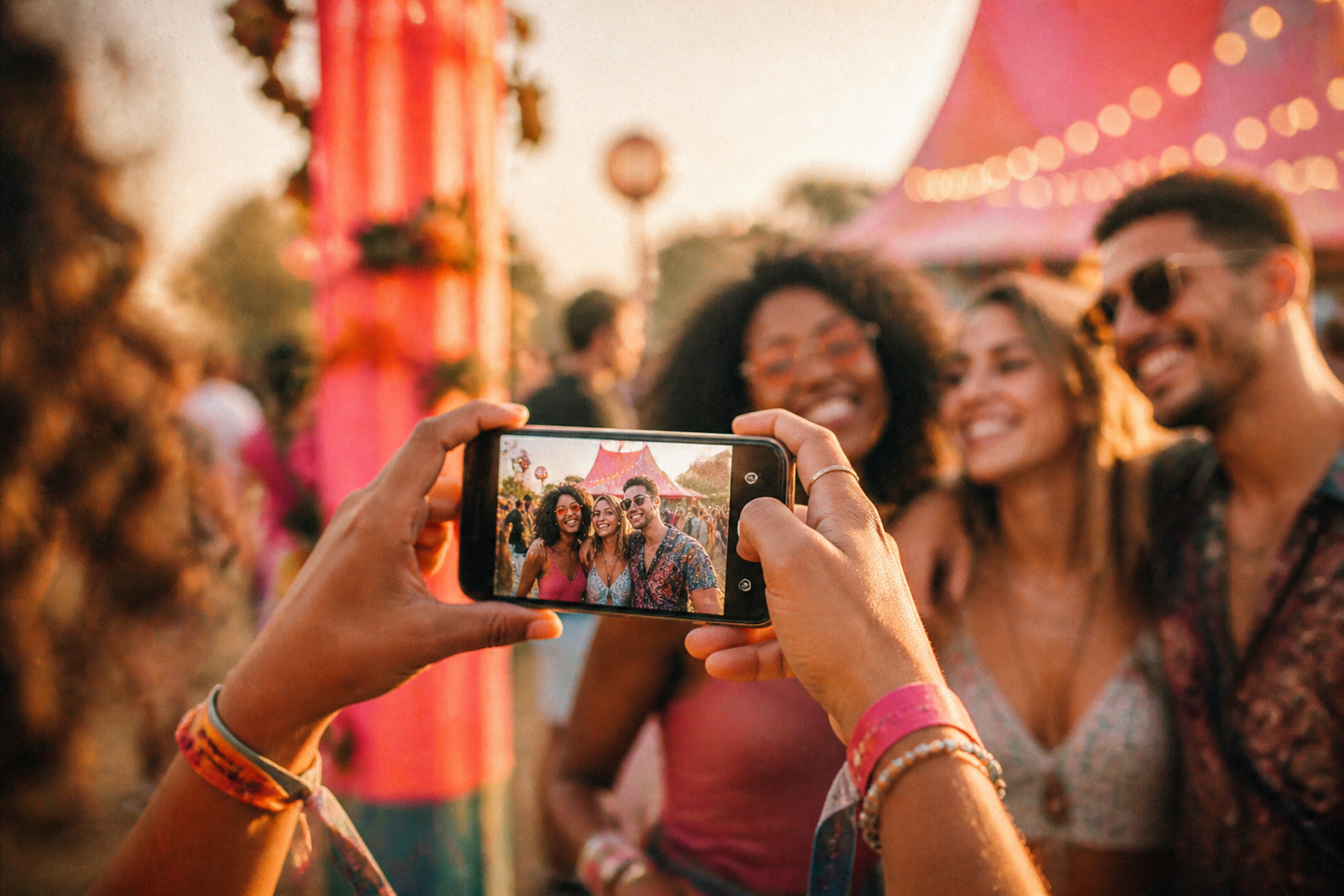
Use the same trusted sign at the places people pause
Place the same QR code on fixed, clearly branded signs around the festival site. Good locations include:
- entry points and queues;
- the information desk;
- activity areas;
- food and bar areas;
- gathering spaces near stages;
- quiet or seated areas where people have time to read; and
- exit routes, where guests may be reminded to join before they leave.
Clear physical signage and a nearby help option are useful operational measures for directing attendees and resolving on-the-day issues. EventsAir’s guidance on smooth on-site experiences also highlights the importance of planning and testing wireless networks and QR-scanning equipment before an event.
Use consistent visual treatment across every sign: the festival name, colours, typeface and official web address should look unmistakably connected. Consistency matters because a public QR code needs to earn trust quickly.
Put a short, readable web address beneath the code. It gives guests an alternative if their phone camera does not scan the code, and it lets them verify where the code should lead before they open it.
Try wording such as:
Join the festival photo roll
Scan the official QR code or visit [short web address]
No app download needed
Keep the main instruction large. A guest should be able to understand the action at a glance, without reading a crowded block of fine print. Put longer information about the festival’s photography expectations, privacy contact and guest conduct in event materials, at the information desk or on the official event website.
Test the journey in festival conditions
Do not rely on a QR code test from a laptop screen in an office. Test the exact printed signs, in their final positions, before gates open.
Use both iPhone and Android devices. Try mobile data as well as the venue Wi-Fi. Check the code from the distance at which a person is likely to stand, not only from close range.
Work through the experience as a guest would:
- Scan the QR code from the sign.
- Confirm that it opens the official onesnap event experience.
- Check that the fallback web address or invite link is accurate.
- Take a still photo.
- Confirm that staff know the basic next step if a guest asks for help.
Festival connectivity can be uneven. With onesnap, each captured guest photo is saved on the guest’s device before an upload is attempted. If connection is unavailable or unreliable, queued photos sync when connectivity permits. That is helpful, but staff should still set expectations: a guest may need to wait for a better connection before their queued photos can sync.
Walk the site and inspect the signs in context. Look for glare, rain covers, shadows, queues, people standing in front of the sign and locations where a code could be difficult to reach or notice. Move a sign if the actual site conditions make it hard to use.

Give guests a human fallback
A one-code approach should not mean a QR-only event experience. Some guests may have an older device, limited battery, poor connectivity, difficulty using a phone camera or a simple preference not to scan a code.
Provide alternatives:
- Print the short official web address in plain text.
- Include the invite link in relevant pre-event emails or the festival website.
- Brief information-desk staff or volunteers on where to direct guests.
- Provide a clearly identified help point during busy periods.
- Make sure the key instructions are available in ordinary text, rather than relying on colour, icons or the QR code alone.
For any event web information you publish alongside the photo activity, consider common accessibility barriers. ADA.gov’s web accessibility guidance identifies issues including poor colour contrast, missing text alternatives, inaccessible forms and navigation that only works with a mouse. Clear labels, readable text and useful error messages make instructions easier for more people to use.
Treat privacy information as core event information
Festival organisers should plan photography and privacy notices before promoting guest photo sharing. The precise rules depend on where the festival is held, who is organising it and who will attend, so seek appropriate local advice for your event.
In Australia, photos of identifiable people can be personal information. Organisations covered by the Privacy Act should take reasonable steps to tell people who is collecting images, why images are collected, how they will be used, who they may be shared with, how people can access them and whether information may be sent overseas. The OAIC also notes that express consent is good practice before publishing images online once the intended use and audience have been explained. Read the OAIC’s guidance on posting photos..
The OAIC also advises that personal information collection should be reasonably necessary. Collecting more information than needed can increase security and data-breach risk. See the OAIC guidance on collecting personal information..
In New Zealand, organisations recording people need a lawful purpose and should make people aware that images are being collected and why. Event-entry terms and on-site signage are recognised ways to provide that notice. The Office of the Privacy Commissioner explains the approach..
Use plain language in your event notice. It should explain that guest photography is part of the festival activity, identify the organiser and provide a named contact method for privacy questions. It is also sensible to set clear expectations for guest contributions, including:
- Only take and share photos you have permission to share.
- Respect people who do not want to be photographed.
- Do not capture or share intimate, harmful, illegal or copyright-infringing material.
- Take particular care around children and young people.
- Avoid photographing visible personal details such as passes, IDs or contact information.
If children or young people will attend, make the plan more specific. New Zealand’s Privacy Commissioner says people should know photography is occurring and why, and that informed consent should explain use and sharing. Its guidance also notes that an opt-out process may be used in some event settings and that consent may need to be withdrawn where feasible. Read the guidance for children and young people..
Protect the QR code from tampering
A festival QR code is public, which means it should be treated as a potential security touchpoint. A malicious sticker placed over a legitimate code can send a guest elsewhere.
Australia’s cyber agency calls QR-code phishing “quishing”. It warns that deceptive codes can lead people to fraudulent websites or prompt harmful actions. Read Cyber.gov.au’s quishing advice..
Reduce the risk with a few straightforward habits:
- Use professionally produced, prominently festival-branded signs.
- Display the official short web address beside every code.
- Inspect signs regularly for stickers, overlays or damage.
- Tell staff what the official destination looks like.
- Do not ask guests to enter passwords, bank details or verification codes to join the photo activity.
- Encourage guests to check with staff if anything about a code or destination seems unfamiliar.
Cyber.gov.au advises people to scan codes located prominently at a business, check with staff if they are unsure and read the action their phone says a QR code will perform. See its mobile-phone security guidance..
Keep the plan simple for guests and organised for staff
The best single-QR-code setup is repetitive in a good way. Guests see the same trusted sign wherever they are. The wording stays the same. Staff give the same explanation. The same official web address is always available when scanning is not practical.
For guests, joining should feel like one small part of the festival: scan, take still photos and enjoy the day. For the host team, the work happens beforehand: select the shot limit, decide when the shared roll will be revealed, test connectivity, place signs thoughtfully, brief staff and make privacy information easy to find.
That preparation turns one QR code from a decorative sign into a clear, reliable doorway to a shared festival photo experience.
Sources and further reading
- Planning for a Smooth Onsite Check-In Experience | EventsAir
- Chapter 3: APP 3 Collection of solicited personal information | OAIC
- Posting photos and videos | OAIC
- Office of the Privacy Commissioner | Recording people in public places
- Office of the Privacy Commissioner | Children and young people: photography and filming guidance
- Quishing | Cyber.gov.au
- Secure your mobile phone | Cyber.gov.au
- Guidance on Web Accessibility and the ADA | ADA.gov
Written by the onesnap team with AI assistance. We never use customer photos, invent testimonials, or publish named competitor comparisons.
Read our editorial policyReady to see the night from every angle?
Create an event