school-event
A Privacy-First Plan for Shared Field-Trip Photos
A practical field-trip photo plan for schools: define the audience, record permissions, brief adults, review images and share only with the intended group.
The onesnap team · 5 August 2026 · 9 min read
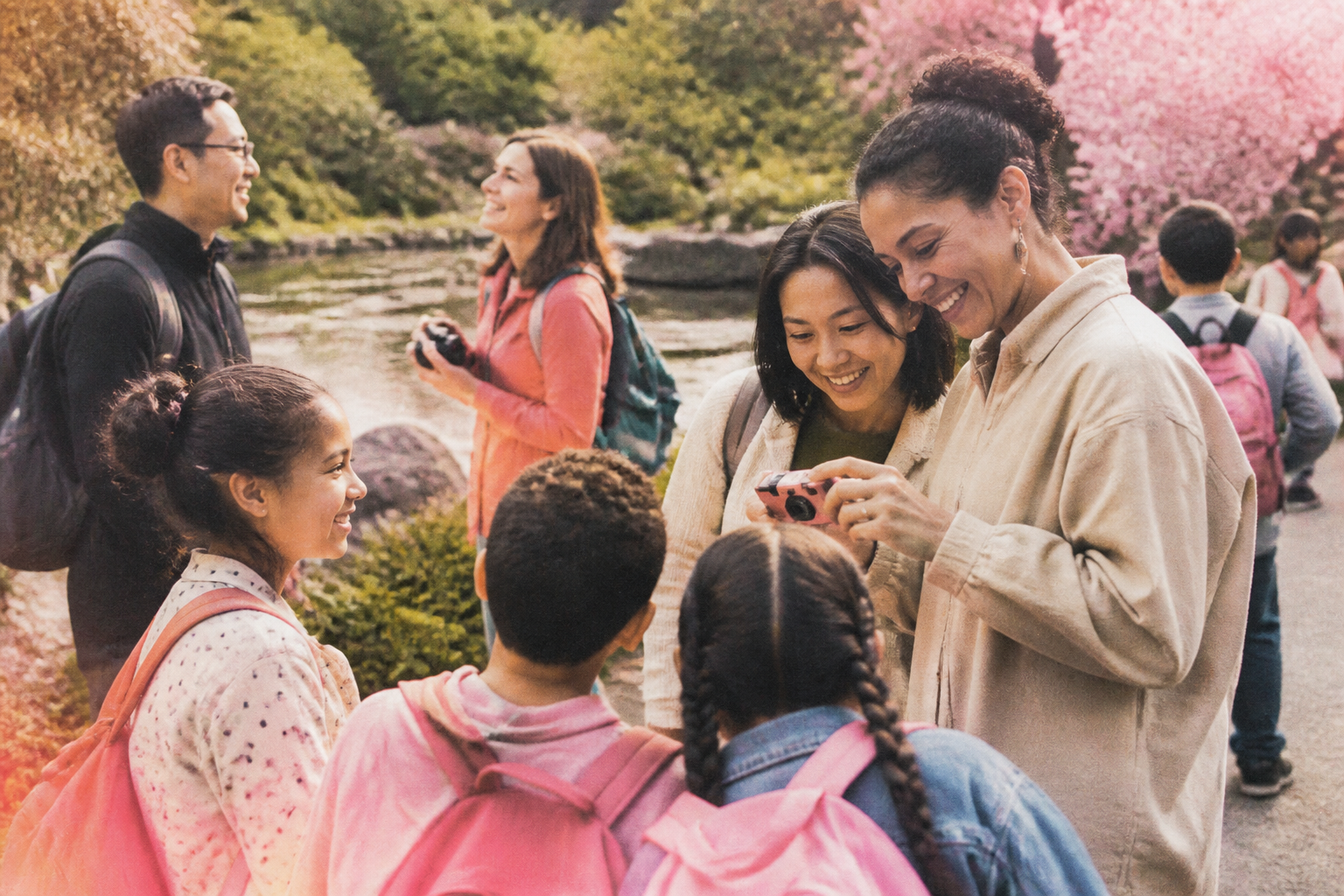
A field trip can produce wonderful reminders of a day spent learning, exploring and trying something new. Yet taking and sharing still photos should not be treated as an automatic extension of attending the excursion.
It is a separate activity with its own purpose, audience, permissions and handling process.
That distinction gives trip leaders a useful starting point. Rather than asking only whether photos can be taken, ask what images are needed, who is meant to receive them, and what your school’s current privacy procedures require. Your school or organisation’s policy should lead the plan, along with venue conditions and any relevant education authority guidance.
Start by defining the photo purpose
Write a short statement that describes the proposed collection and its intended audience. For example:
We will collect a small selection of still photos from the excursion for private sharing with participating families.
This is far more actionable than saying that photos will be taken “for the school”. It tells staff what to capture, guides permission decisions, and provides a benchmark when it is time to review images.
The Office of the Privacy Commissioner’s guidance on children and young people says that children, young people and parents should know photography is happening, why images are being taken, how they will be used and who they may be shared with.
Before the permission notice is sent, decide:
- whether images are only for participating families, a class group, the broader school community or a public publication;
- who is authorised to take still photos during the trip;
- whether students will be invited to contribute still photos, if this is permitted by school policy;
- who will check photos before they are shared;
- where approved images will be stored and how long they need to be retained; and
- who families can contact to ask questions, update a preference or request removal.
A private recap for participating families and a public school publication are different uses. The New Zealand guidance advises that images collected for one defined group need further permission before a broader use, and that consent should be checked to make sure it remains current.

Put photo information in the excursion communication
Families should receive clear photo information before the day, alongside the usual itinerary, transport, supervision and packing details. Do not leave it to a rushed message once the trip is underway.
For NSW public-school excursions, parental consent is required. The NSW excursions policy also requires detailed trip information in a form that parents and carers can understand, including privacy advice about the use of personal details.
In Victoria, the Department of Education guidance on photographing students says general photography consent must cover how images will be stored and proposed uses. It also says families must be told how they can change their consent preferences.
In New Zealand, the Privacy Commissioner describes consent as best practice when collecting, using or sharing images of children. Its school privacy guidance says schools should obtain specific permission for images used in publications and update that permission annually.
Use plain language in your notice. It should answer questions such as:
- What kinds of moments may be photographed? For example, hands-on activities, group discoveries or an educator explaining an exhibit.
- Who is allowed to take photos?
- Where will approved images be shared?
- Will names, year levels or other identifying details be added? A cautious default is not to attach them.
- Is the arrangement based on consent, an opt-out process, or another approved school process?
- How can a family update their preference?
- What steps will be taken if a student should not appear in a shared image?
Avoid broad statements such as “photos may be used by the school”. Families need enough detail to understand the real purpose and likely destination of the images.
Maintain a usable permission record
A permission record is only useful if authorised adults can apply it on the day. Nominate a staff member to maintain the current record, and give photographers the information they need before departure.
Depending on your school’s approved process, the record may distinguish between students who:
- may be photographed and included in the private trip recap;
- may be photographed for an internal purpose but not included in family sharing;
- may appear only where they are not identifiable; and
- should not be photographed or shared.
Do not rely on memory, particularly where volunteers, venue educators or contractors are involved. The Privacy Commissioner’s guidance says photographers should be told the specific purposes for the images and which children do not have consent. Victorian guidance also requires photographer agreements to include appropriate information-handling provisions.
Keep this record available only to people who genuinely need it. A privacy measure should not become a reason to circulate sensitive information more widely.
Brief accompanying adults before the day
Parents, carers and volunteers may want to capture the outing, but an excursion should not become an open photo-sharing event. Send a brief, direct reminder in advance and repeat the essentials at the meeting point.
The NSW guidance on photographs and recordings advises schools to discourage parents attending excursions from taking photos. It also says that if a parent publishes an image of their own child, other children should not be shown.
A practical briefing could include:
- Please leave official trip photography to authorised school staff.
- Do not take or share images of other students.
- Do not post excursion images to personal social accounts.
- Direct questions about permissions to the trip leader.
- Raise any image concern with a staff member promptly, rather than discussing it in a parent group chat.
Signage can reinforce the message at departure or entry. The New Zealand Privacy Commissioner recommends communicating an event photography policy at sign-up or entry, and using signs to remind people to seek consent before taking or sharing images of children.
Choose approved devices and a controlled collection process
Decide before the trip which devices and accounts are authorised. NSW guidance says staff photographing students on excursions should use a school device. If a personal device is used, the guidance says images and cloud backups should be deleted from it as soon as reasonably practicable. The New Zealand Privacy Commissioner similarly recommends not using personal devices for work or event photography.
Keep the collection process deliberately simple:
- Nominate the adults authorised to capture official still photos.
- Give them the current permission information and a short photography brief.
- Ask them to focus on activities and learning rather than seeking close individual portraits.
- Bring candidate images into the school’s approved review process.
- Share only the approved selection with the defined audience.
If your school approves onesnap for an event, it is a mobile-first, browser-based shared disposable camera for still photos. Guests join through an event QR code or invite link, without creating a onesnap account or downloading an app. Hosts can set a per-guest shot limit of 12, 24 or 36 photos and choose when the shared roll is revealed.
Those features do not replace a school’s privacy procedures. For a field trip, consider whether access should be limited to authorised adults rather than opened broadly to students or accompanying family members. Each captured photo is saved on the guest’s device before an upload is attempted, and queued photos sync when connectivity permits. Plan for a review window that allows for photos to arrive after the group has returned.
Capture the activity, then check every image
The most useful excursion photos often show learning in action: students studying an exhibit, a group listening to an educator, hands completing an activity, or classmates observing a place together.
For a general online audience, the Privacy Commissioner recommends activity-focused images rather than close features of individual children. This is also a helpful starting point for a limited family audience, as it can reduce pressure to feature individual students.
Before sharing, review every proposed image and ask:
- Is every identifiable person permitted for this particular use?
- Are there students, staff or members of the public in the background who should not be included?
- Could the image embarrass, distress or unfairly single out a child?
- Does the intended destination match the permission or preference on record?
- Does it reveal names, badges, documents, travel details or other personal information?
- Would a different crop or another image tell the same story more safely?
The review is not merely an administrative step. It is where the promises made to families are tested against the actual image.
Have a workable plan for group shots and opt-outs
Group scenes are where a good intention can become difficult in practice. Plan ahead for busy spaces, hands-on sessions and moments when students naturally gather together.
NSW guidance says families should be notified in advance of event recording and given an opportunity not to be included. Where exclusion is difficult, it identifies options including limiting distribution or pixelating a student’s image.
Prevention is usually the simplest approach. Brief photographers to avoid students with a do-not-photograph instruction, and arrange activities so that this is realistic where possible. If an unwanted student appears in an otherwise useful image, do not improvise a response. Follow your school’s approved process for deciding whether to withhold, edit or restrict the image.
Share only with the intended audience
Private sharing still needs careful handling. The New Zealand guidance says images should be sent to the right recipient or posted to the correct site with the appropriate permissions, so content intended for a specific group is not made public by mistake. NSW also notes that material intended for a school community can easily be disclosed beyond it.
Before releasing any images, check:
- the recipient list or access group;
- the sharing permissions for the destination;
- that the images match the originally stated purpose; and
- that names or other details have not been added without a clear approved reason.
Check venue conditions early as well. Some venues have their own rules for visitor photography, commercial photography or the treatment of other patrons. For example, Sydney Olympic Park’s conditions of hire allow spectators to photograph family and friends, while asking them not to photograph other patrons, particularly children.
Finally, document what happens after the trip: secure storage, retention only for as long as necessary, deletion, and a clear way to respond to privacy concerns. The Privacy Commissioner’s guidance says withdrawing consent should be possible where feasible, including taking down previously published images.
A thoughtful photo plan will not remove every judgement call. It will give staff, families and students a shared understanding before departure, and help ensure that the still photos eventually shared are appropriate, welcome and handled with care.
Sources and further reading
Written by the onesnap team with AI assistance. We never use customer photos, invent testimonials, or publish named competitor comparisons.
Read our editorial policyReady to see the night from every angle?
Create an event