wedding
A Low-Pressure Shared Camera Plan for a Hens or Bucks Weekend
A practical way to set boundaries, invite guests and capture the best moments of a hens or bucks weekend without turning the whole celebration into a photo assignment.
The onesnap team · 14 September 2026 · 8 min read

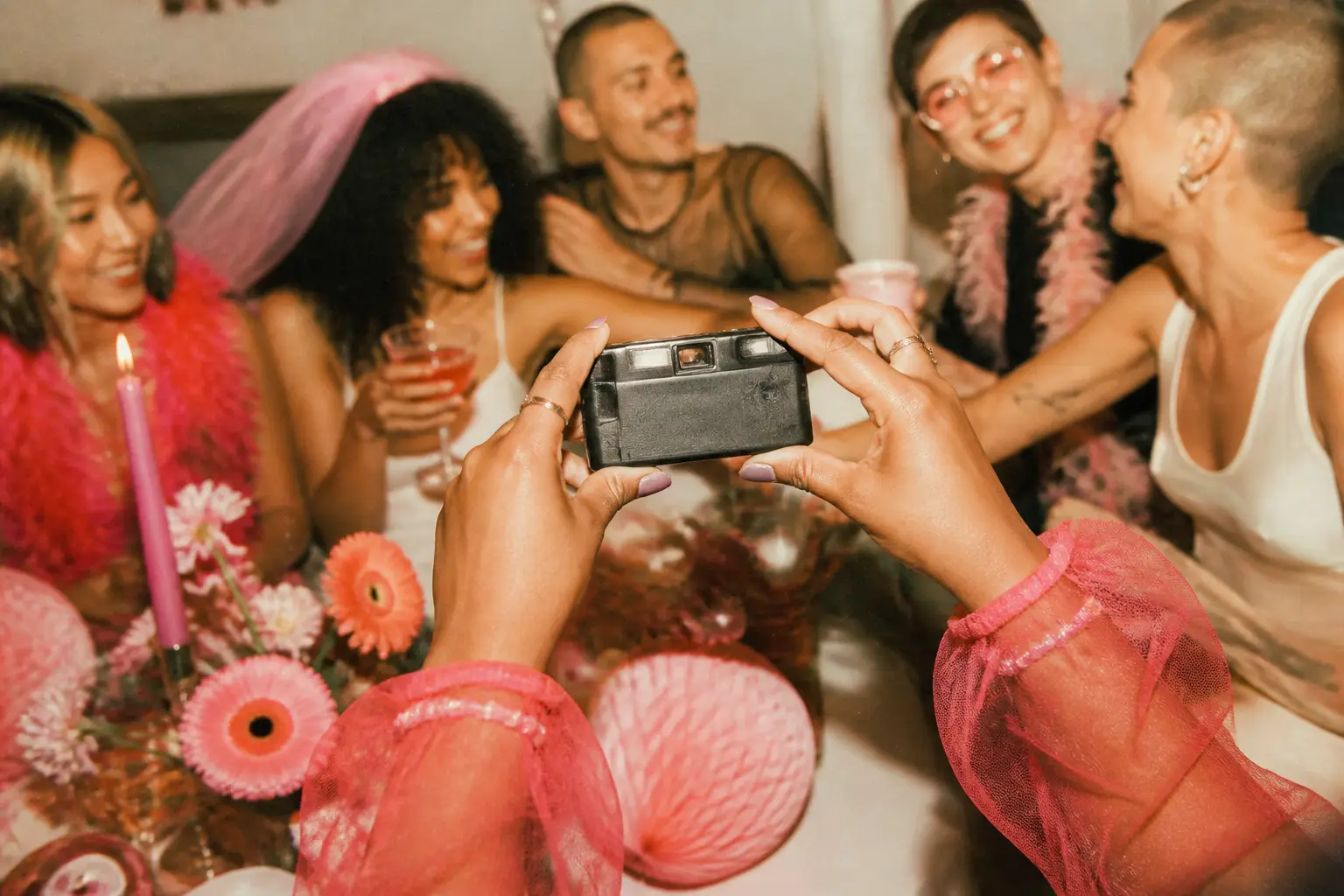
A hens or bucks weekend can hold a special part of the wedding story: arrival hugs, someone arranging snacks, a thoughtful costume detail, pre-activity nerves, a brilliant view from the accommodation, or the quiet chat at the end of a big day.
The aim is not to ask everyone to photograph every minute. A better approach is to make a few moments easy to capture, agree on boundaries before the weekend starts, and let people stay present for everything else.
A shared camera plan gives the group a clear place for candid photos, without the usual scramble to find everyone’s images afterwards. It works best when participation is optional, privacy is taken seriously, and the guest of honour is not left managing it all.
Start with the guest of honour’s boundaries
Before finalising activities, printing an itinerary or sending the group message, speak directly with the person being celebrated. Bachelor-party planning guidance recommends discussing the guest of honour’s preferences and clear do’s and don’ts early in the process. Apply the same principle to photos: ask what they would genuinely like to remember, what they would prefer to keep off camera, and whether any parts of the weekend are entirely photo-free. The Knot’s bachelor-party planning guide is a useful starting point for that conversation.
Keep the questions specific:
- Are photos welcome while people are getting ready, or would that time be better kept private?
- Are there guests who would rather not appear in the shared collection?
- Is photography acceptable at the main activity and each booked venue?
- Are there moments, locations or activities that are off limits?
- Should the collection remain private to the group?
- If someone wants to post a photo publicly, what approval is needed first?
Write the answers into a short group message. Clear expectations are easier to follow than decisions made on the fly, particularly once the group has split between activities, meals and transport.
A helpful default is: photos are for the group collection only, and nobody posts an identifiable person publicly unless everyone pictured agrees. NSW Government guidance says organisers should be upfront about how images will be used and give people an opportunity to opt out. Read the NSW guidance on privacy and social media.
For an event involving a business, club, workplace or other organisation, the Office of the Australian Information Commissioner notes that an image can be personal information when someone is identifiable or reasonably identifiable. It says express consent is good practice before publishing photos online. Its guidance is here. In New Zealand, the Privacy Commissioner also recommends asking permission first, even though personal photography is generally not covered by the Privacy Act. See the New Zealand guidance.
Give the plan two clear owners
Nominate one camera custodian and one backup person before the weekend. Northern Beaches Council’s event-hosting guidance recommends assigning somebody responsibility for photos. For a hens or bucks event, this creates practical accountability for charging, handovers, storage and the final download. The council’s hosting guide is here.
The guest of honour should not be the custodian. They are there to enjoy the people and plans arranged for them.
If your group uses a physical camera, decide who holds it during each part of the schedule and where it will be stored between stops. If you are using a shared browser-based camera, decide who will send the joining details, answer basic questions and remind guests of the group’s photo agreement.
onesnap is a mobile-first, browser-based shared disposable camera for events. Guests join through an event QR code or invite link, without creating a onesnap account or downloading an app. Each captured photo is saved on the guest’s device before an upload is attempted, and queued photos sync when connectivity permits. This can be useful for a weekend moving between accommodation, activities and venues where reception may vary.
The host can choose a per-guest shot limit of 12, 24 or 36 photos, and choose when the shared roll is revealed. Pick the limit to suit the shape of the event rather than trying to capture every detail. A shorter outing may call for fewer, more considered contributions; a full weekend may need room for arrivals, an activity, meals and the farewell.
Put a few photo windows into the itinerary
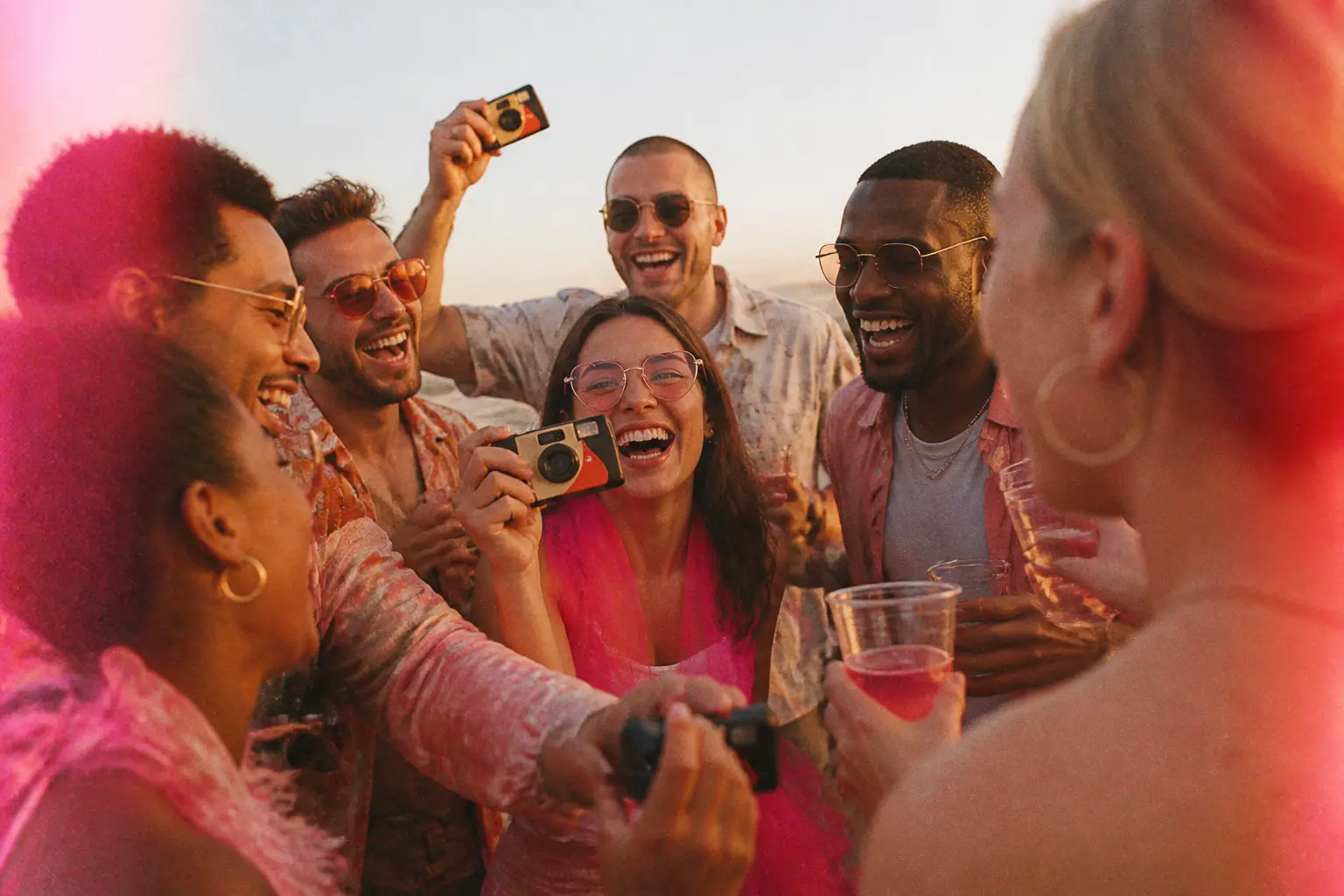
A multi-stop hens or bucks weekend can move quickly: check-in, a meal, an activity, a night out, breakfast and goodbyes. Instead of turning the whole itinerary into a photo task, mark a small number of optional photo windows.
A shared itinerary can be particularly useful for a bucks weekend with several activities, according to The Knot’s planning advice. Add a brief prompt beside only the moments worth remembering.
Try this relaxed rhythm:
- Arrival: Capture the welcome, a detail of the accommodation, the first shared meal or a group photo before everyone scatters.
- Before the main activity: Take a photo of outfits, gear, the meeting point, or the guest of honour with a few close friends.
- One candid moment during the day: Look for hands preparing food, a table in mid-conversation, a scenic view or a genuine laugh. There is no need to photograph the whole activity.
- The shared meal: Invite photos of the table, a toast, a group photo if people are keen, and friends who have not been in the frame yet.
- The wind-down: Take photos only if the group is still comfortable. Late in the evening is a good time to lower the pressure, not increase it.
This structure gives quieter guests an easy way to contribute. They might prefer a landscape, a food detail or one warm portrait over appearing in a large group shot. It also helps the group remember that joining in is optional.
Check each venue and activity before arrival
A booking confirmation does not automatically mean photography is permitted everywhere. Check the policy for each venue and activity before the weekend, especially if plans include a restaurant, wellness facility, sporting venue, boat, organised class or private home.
Private venues can set their own photography rules. Some spaces also carry higher expectations of privacy. Greater Hume Council’s event guidance, for example, notes camera restrictions in sensitive areas, including changing rooms at an aquatic centre. Read its venue and promotion guidance.
Add a simple reminder to the itinerary or group chat:
- Follow the venue’s rules.
- Do not take photos in bathrooms, changing areas or other private spaces.
- Ask before taking a close-up of another guest.
- Put the camera away if somebody says no or appears uncomfortable.
- Do not disrupt staff, instructors or other patrons for a photo.
If an activity has a no-camera rule, accept it. A thoughtful collection does not need an image from every stop on the itinerary.
Send a friendly, unambiguous group message
Send the QR code or invite link shortly before the event. Put it somewhere guests will see it, such as the group chat, printed itinerary or a small card at the accommodation.
Here is wording you can adapt:
Weekend photo roll
Add candid photos from the weekend if you feel like it. Please ask before close-ups, follow venue rules, and keep photos in this group collection. If a photo includes someone else, check with them before sharing it publicly. No pressure to take photos — being present is the priority.
The message explains the purpose, sets a sharing boundary and makes participation optional.
For onesnap, add a practical line beneath it: Scan the QR code or open the link to join. No app or account needed. Keep the sign or message uncluttered so the key instruction is easy to spot.
Keep a physical camera simple
If you bring a physical camera, avoid making it another complicated job for the organiser. Begin with a charged battery and carry a spare. Nikon recommends having at least two batteries, so one can replace another that has run flat. Read Nikon’s battery and memory-card guidance.
Bring spare memory cards as well. Label them and use a consistent system to distinguish unused cards from cards that have been used. This reduces uncertainty during a busy weekend, especially if the custodian hands the camera to the backup person.
At the end of the weekend, transfer the photos promptly into one clearly named folder, such as the event name and date. Make a second copy before formatting or clearing a card. Nikon advises that a single drive holding the only copy is storage rather than a backup. Its photo-protection guidance explains the value of keeping more than one copy. A clearly named destination folder also makes the collection easier to find later; Adobe’s import guidance outlines organising imported photos by destination folder and date.
Keep transport and safety separate from photography
The person taking photos should never be distracted from an important responsibility, particularly driving. Confirm sober transport or accommodation arrangements before the event begins, and keep the camera out of the driver’s hands. Australian Government alcohol-safety guidance states that people who have been drinking should not drive or ride with a driver who has been drinking. Read the Department of Health guidance.
A shared camera should support a good weekend, not complicate it. Pause the plan if the venue says no, someone objects, privacy expectations change or the group simply wants to put cameras away.
Finish with a calm wrap-up
After the weekend, the organiser can send a short reminder of the agreement made at the start: keep the collection within the group unless everyone pictured agrees to a public post. If someone raises a concern about a particular photo, take that concern seriously and discuss it directly with the people involved before sharing it further.
Let the guest of honour decide when the complete collection is revealed. With onesnap, the host chooses when the shared roll is revealed and has an authenticated admin area for managing their event and gallery. That gives the organiser a clear final step without asking every guest to chase down files.
The photos that matter most are often not polished ones. A considerate shared camera plan simply gives the group a way to keep the small, honest moments while leaving plenty of space for the weekend itself.
Sources and further reading
- How to Plan a Bachelor Party With the FAQs You Need to Know
- Privacy on social media | NSW Government
- Posting photos and videos | OAIC
- Office of the Privacy Commissioner | Recording people in public places
- Host a Meet Your Neighbour party | Northern Beaches Council
- Promotion and Marketing Greater Hume Council
- Getting Started: Memory Cards and Batteries
- Preserve and Protect: Got a Backup Plan for Your Photos?
Written by the onesnap team with AI assistance. We never use customer photos, invent testimonials, or publish named competitor comparisons.
Read our editorial policyReady to see the night from every angle?
Create an event