wedding
Make Wedding Guest Photos Easy for Every Generation
A welcoming wedding photo plan gives every guest a clear way to contribute, with an easy digital route, a readable alternative and a real person ready to help.
The onesnap team · 20 September 2026 · 8 min read
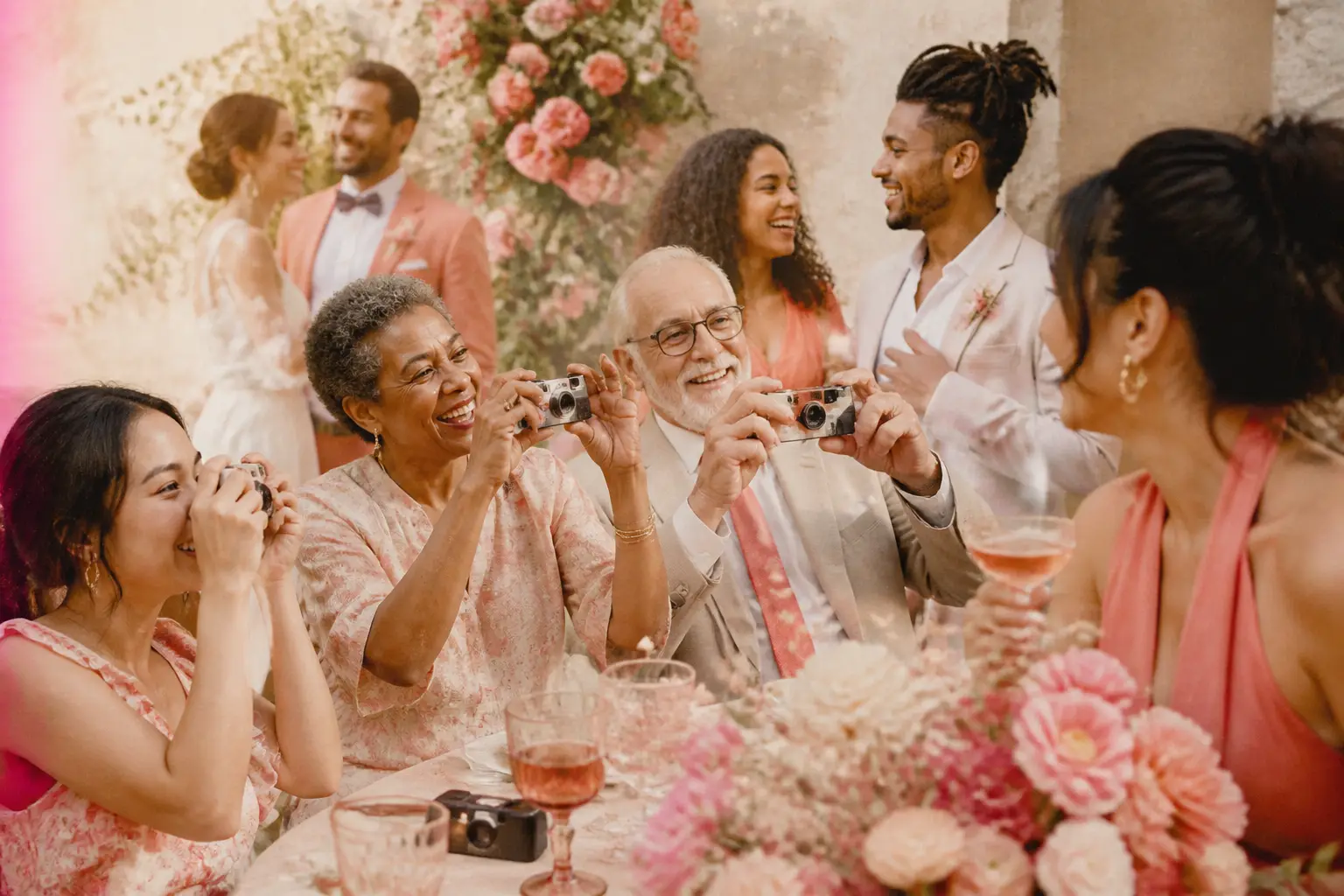
A wedding brings together people with very different relationships to phones, online links and taking photos. Some guests will scan a code the moment they arrive. Others will happily take pictures but prefer not to navigate a new webpage. Some may need extra time, clearer print or a little help from someone they know.
The goal is not to make every guest use technology in exactly the same way. It is to give everyone a comfortable, understandable path to share the moments they capture.
A thoughtful photo-sharing plan starts with one simple principle: make the invitation to participate clear, optional and easy to find. A QR code can be useful, but it works best as part of a broader guest experience rather than the only instruction on the day.
Begin with one plain-language instruction
Guests should be able to understand what you are asking of them at a glance. Avoid signage that shows a QR code without explaining why it is there. Accessibility guidance recommends labelling the action and destination clearly, as well as providing a readable short URL alongside the code. Nottinghamshire County Council also advises telling people what a QR code leads to rather than expecting them to scan first to find out.
Use one instruction consistently across your wedding materials. For example:
Share your wedding photos: scan here or visit [short URL]. Need help? Ask [name or role].
This works because it answers the questions a guest may already have:
- What am I being asked to do?
- Where will the link take me?
- What if I do not want to scan a code?
- Who can help if I get stuck?
Keep the wording warm and direct. “Add your favourite moments”, “Share a photo from the celebration” or “Help us remember the day” can make the request feel personal. Pair that invitation with the practical next step: scan the code or type the URL.
Treat the QR code as one route, not the whole plan
A QR code can take a guest from a printed sign to an online album or upload page using their phone camera. Wedding planning guidance recommends explaining its purpose and placing it on familiar items such as signage, programs or screens so guests know how to join in. The Knot suggests making the code’s purpose clear and incorporating it into wedding-day communication.
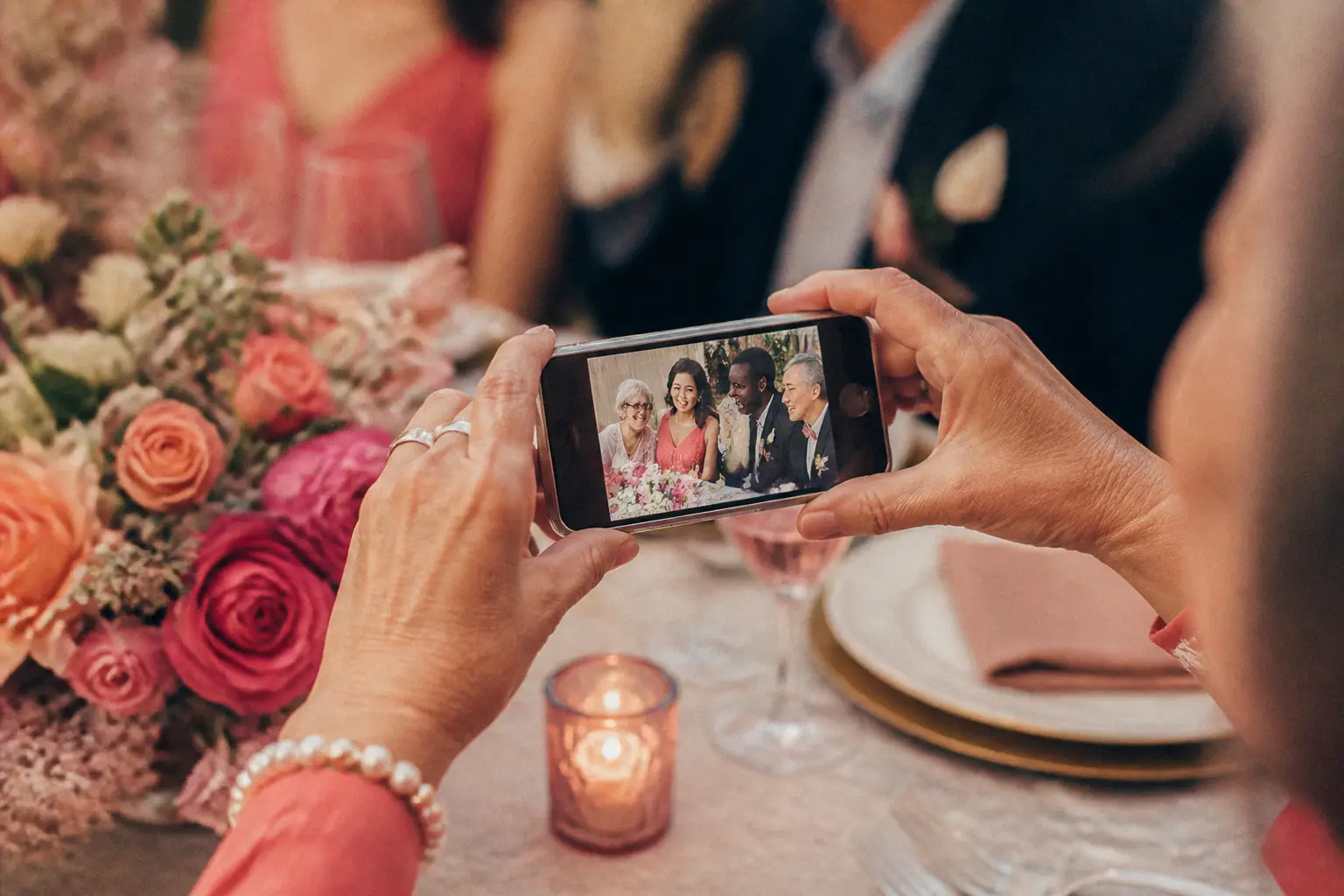
But a code is not equally useful for every person or every situation. Someone may not have a suitable smartphone with them, may not know how to scan it, may have low vision, or may simply prefer a typed link. Including a short URL gives that person a genuine alternative rather than leaving them out.
For a shared disposable-camera approach, onesnap gives guests two ways to join: an event QR code or an invite link. They do not need an account or app download. That makes the initial step simpler, but your wording and support still matter. A guest should never feel that participation depends on being especially confident with their phone.
Put the same message where people naturally pause
Guests are more likely to notice an instruction when they encounter it at a moment when using it makes sense. Rather than relying on one sign at the entrance, repeat your core message in a few familiar places.
Consider placing the same clear instruction in:
- the wedding program or order of events
- a welcome sign near the reception entrance
- a small sign near seating details or the guest book
- table cards or a tabletop display where it will not interrupt conversation
- a card near the farewell area, for guests who took photos later in the evening
Repeating the instruction is not about pressuring people. It gives guests more than one chance to participate when they have a quiet moment and their phone is already in hand.
Make every version match. If your welcome sign says “Share your photos”, do not use a different name or confusing set of directions on table cards. Familiar wording reduces the effort of working out what to do.

Design printed signs for real rooms and real guests
A beautiful sign still needs to do its job. The practical details have a big impact on whether a code is easy to scan and whether the instructions are readable.
QR code accessibility guidance recommends strong contrast, clear space around the code, an uncluttered background, appropriate sizing for the viewing distance and testing on more than one device.
In practice, that means:
- Use dark code elements on a light, plain background.
- Leave clear empty space around the code rather than layering it over flowers, a busy pattern or a textured image.
- Make the written instruction larger and easier to notice than decorative details.
- Keep the short URL readable, with enough contrast from the background.
- Put the sign somewhere well lit and easy to approach.
- Test the final printed version, not only the design file, with more than one phone.
If you include the code in a digital wedding document, add text that says what it does. W3C guidance explains that non-text content carrying information or functionality needs a text alternative. A linked code in a digital program should therefore be accompanied by words such as “Open the wedding photo-sharing page” and the URL itself. W3C’s guidance on text alternatives is useful here.
Plan for different access needs without making assumptions
It is easy to make broad assumptions about age and technology, but they are rarely helpful. Plenty of older guests use phones confidently; plenty of younger guests prefer not to use a QR code at a formal event. Design for choice rather than stereotypes.
Australian human-rights research notes that online systems can be harder to use for people with low vision or limited motor control, and that accessibility improvements can benefit usability more broadly. The Australian Human Rights Commission discussion paper makes a useful case for considering access from the outset.
A simple design helps everyone:
- Avoid tiny text and low-contrast colour combinations.
- Keep instructions to one short sentence.
- Do not require guests to decode unfamiliar terminology.
- Give people time to participate rather than making an announcement that assumes immediate action.
- Ensure the link has a clear, intuitive destination.
Research highlighted by the US National Institute on Aging identifies intuitive design, user-friendly interfaces, privacy and security as important factors in technology adoption among older adults. Those are useful guideposts for a wedding too: clear steps, a trustworthy explanation and no surprises.
Nominate a calm, willing helper
The most inclusive fallback is often a person, not another piece of signage. Choose one member of the wedding party, family or coordination team who is happy to help guests find the link, scan the code or understand the photo-sharing plan.
Introduce that person by role on the sign rather than relying on guests to recognise a name. For instance: Need a hand? Please ask a member of the wedding party. If a particular person is comfortable being the contact, use their first name.
Their role is not to hover over guests or turn photo sharing into a task. It is simply to remove friction when someone asks. A gentle helper can also remind a guest that they can come back to the link later if they would rather stay present during the celebration.
With onesnap, each captured guest photo is saved on the guest’s device before an upload is attempted, and queued photos sync when connectivity permits. That can be reassuring where reception coverage is uneven, but it is still wise to tell guests they can take their time rather than treating every upload as urgent.
Explain privacy before people contribute
Guest photos can feel personal, especially when family members, children or private moments are involved. Let people know where uploads will appear, who can view them and whether you intend to share images outside the event. This is both considerate hosting and a clearer basis for participation.
In Australia, the Office of the Australian Information Commissioner notes that identifiable images can be personal information under the Privacy Act 1988 for organisations covered by the Act. Its guidance says people should be told the purpose of collection, usual sharing arrangements, how to access images later and whether images are likely to be sent overseas. Read the OAIC guidance on image privacy if an organisation or venue is involved.
In New Zealand, the Office of the Privacy Commissioner says organisations should collect information necessary for their functions, obtain it directly from the person where practicable, and avoid unfair or unreasonably intrusive collection. See its guidance on collecting photos and personal information for context.
For a personal wedding, a brief note is usually more welcoming than legal language. Fill in the details before printing rather than making assumptions about who will have access:
We are collecting photos for [purpose]. Uploads will appear in [location]. They can be viewed by [people or group]. [State whether photos may be shared outside the event.] Please upload only images you are comfortable sharing on this basis.
This wording makes the arrangement visible before a guest contributes. If a business, venue or organisation is managing the collection, seek advice that fits the relevant jurisdiction and your circumstances.
Make participation optional, then make it easy
The best guest photo plan does not demand attention. It creates an open door. Guests can take pictures, share a few, ask for help, use the typed link or decide simply to enjoy the day.
If you use onesnap, decide in advance how many photos each guest can take and when the shared roll will be revealed. Hosts can set a per-guest shot limit of 12, 24 or 36 photos, then choose when the shared roll is revealed. Those choices can shape the tone of the experience, but they do not need to complicate the guest instruction.
Keep the public message simple: what to do, how to do it without scanning, and who to ask for help. When the path is clear and the atmosphere is low-pressure, guests across generations can contribute in the way that feels right for them.
A good wedding photo-sharing setup is not defined by how much technology is on display. It is defined by whether every guest can understand the invitation, choose their level of involvement and feel included in preserving the day.
Sources and further reading
- Why You Need a QR Code for Wedding Pictures By Guests
- Using QR codes | Nottinghamshire County Council
- Part D: Chapter 9: The right to access technology
- New report on emerging technologies to help older Americans maintain independence | National Institute on Aging
- Understanding Guideline 1.1: Text Alternatives | WAI | W3C
- OAIC guidance on image privacy
- AskUs | Article | What are the rules around collecting photos or other information of people from their social media profiles? | Office of the Privacy Commisss
Written by the onesnap team with AI assistance. We never use customer photos, invent testimonials, or publish named competitor comparisons.
Read our editorial policyReady to see the night from every angle?
Create an event