wedding
Wedding photo QR code sign wording guests can understand at a glance
A practical guide to the words, layout and checks that make a wedding photo QR code sign clear, welcoming and easy for guests to use.
The onesnap team · 29 July 2026 · 7 min read
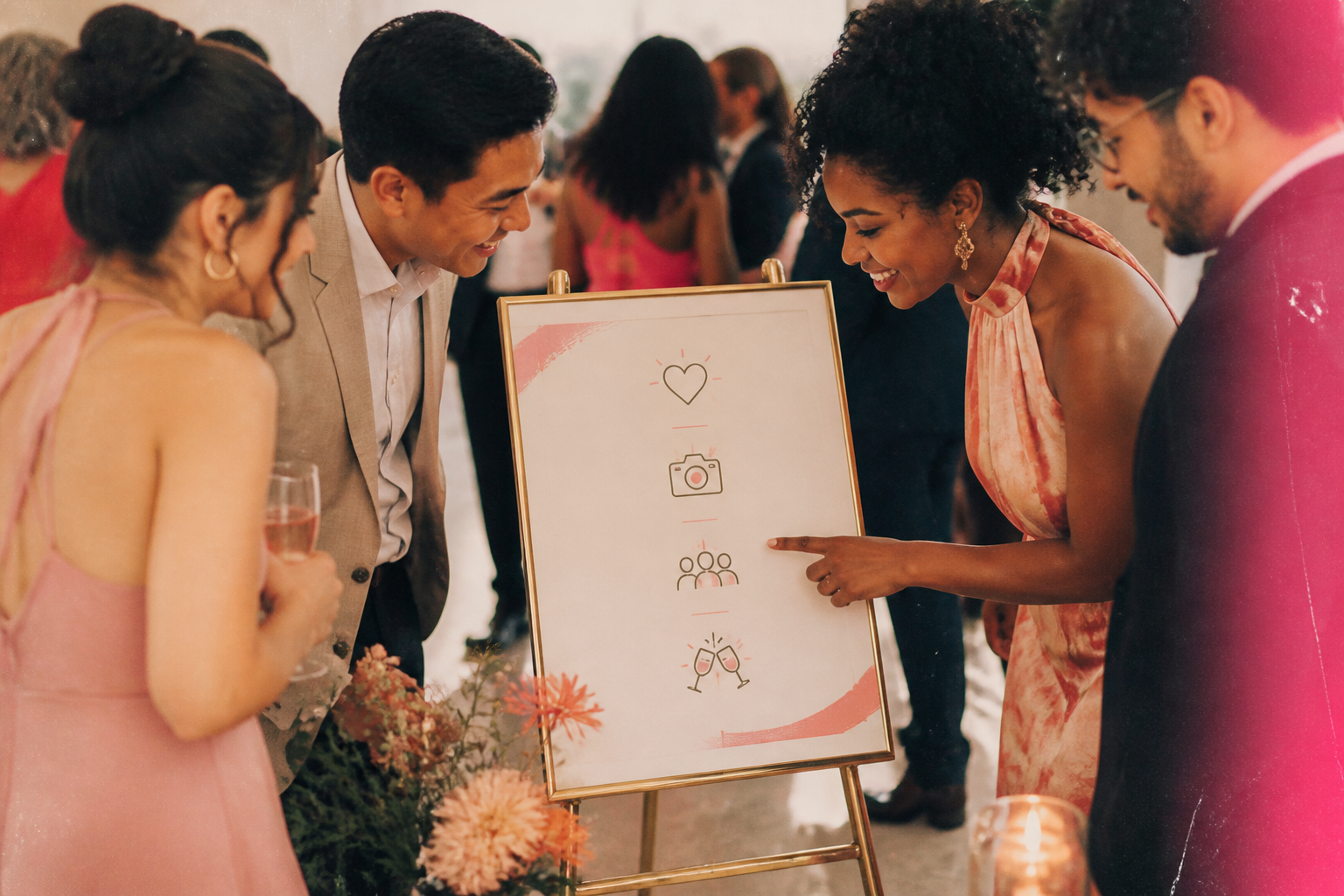
A wedding photo QR code sign has one simple job: help guests understand what they are being invited to do, then make that next step feel easy.
A code on its own asks guests to guess. Is it the menu? The seating plan? A gift registry? A social profile? Give it a clear purpose, a short instruction and enough context to reassure people that they have reached the right place.
For a onesnap event, keep the message focused on still photos. Guests can join through the event QR code or invite link without creating a onesnap account or downloading an app. Once they have joined, they can capture candid still photos for the shared roll.
The essential wording for your sign
The most useful signs answer five questions quickly: what is this, what should I do, whose event is it, what can I share, and where will the code take me?
1. Start with a purpose-led headline
Use a headline that explains the benefit or invitation. “Scan here” can be part of the instruction, but it should not be the whole message.
Good options include:
- Help us capture the moments we miss
- Share your candid photos with us
- Take photos for our wedding roll
- Add your view of the day
- Help us remember every little moment
Choose wording that sounds like you. A relaxed backyard celebration might suit “Snap the fun”, while a formal reception may call for “Share your wedding-day photos”. Clarity matters more than cleverness.
2. Add one direct action line
Tell guests precisely how to begin. Wedding QR guidance recommends clearly communicating both where the code is and how to use it. The Knot notes that guests can generally scan a QR code by opening their phone camera, pointing it at the code and following the link.
Keep the instruction brief:
- Open your phone camera, scan the code and join our photo roll.
- Scan with your phone camera to take and share photos from today.
- Point your camera at the code, tap the link and start snapping.
For onesnap, “join our photo roll” is particularly helpful because it sets the right expectation: guests are joining a shared disposable-camera-style experience, not simply being sent to an unexplained web page.
3. Include your names and wedding date
An event identifier is a small detail with a big practical benefit. Signs get moved between the ceremony, cocktail hour and reception. Guests may photograph the sign to use later. A wedding weekend can also involve more than one event.
Add a simple line below the instruction:
Amelia & Jordan’s Wedding · 18 October 2026
You do not need to use full names if that does not suit your stationery style. First names and the date are usually enough to make the sign feel clearly connected to the celebration.
4. Say what you would love guests to contribute
Be specific about the type of moments you hope they will capture. This gently gives guests permission to photograph the ordinary, funny and in-between parts of the day, rather than waiting only for posed moments.
Try one of these lines:
- Capture the laughs, hugs, dance-floor joy and little details.
- Take candid photos throughout the day.
- We would love the moments you see from your seat.
- Snap your favourite moments with the newlyweds and each other.
Avoid a long list. Your sign should be readable while someone is standing near a bar, table or entry point.
5. Add a gentle sharing or privacy note where needed
A short note can make the invitation feel considerate, especially when you are asking guests to share images of other people. The eSafety Commissioner advises getting consent before sharing images of others online and making sure people are comfortable with the sharing.
A wedding sign is not the place for legal language. Instead, use a warm and straightforward reminder such as:
- Please share photos you are happy for us to keep in our wedding gallery.
- Please be thoughtful about others’ privacy when taking photos.
- For our invited wedding guests and newlyweds.
Choose wording that fits how you plan to manage your gallery and the expectations you have set with guests.

Ready-to-use onesnap sign copy
Here are several photo-only versions you can copy into your wedding stationery.
Simple and warm
Share the love
Scan with your phone camera to join our wedding photo roll.
Capture the candid moments we might miss.
Amelia & Jordan · 18 October 2026
Thank you for helping us remember the day.
Clear and instruction-led
Help us capture every point of view
- Open your phone camera
- Scan the code
- Tap the link and take photos for our shared roll
Amelia & Jordan’s Wedding
Elegant and minimal
A shared roll of wedding-day memories
Scan to join and take candid photos.
Amelia & Jordan · 18 October 2026
Privacy-aware
Share your photos with the newlyweds
Scan to join our wedding photo roll and capture your favourite moments.
Please share photos you are comfortable adding to our wedding gallery.
Amelia & Jordan
For a multi-day wedding celebration
Photos from the wedding weekend
Scan to join our shared photo roll.
Capture the welcome gathering, ceremony and celebration.
Amelia & Jordan · October 2026
Include a fallback if scanning does not work
A QR code is convenient, but it should not leave a guest stranded if their phone camera does not recognise it or they would rather type an address. The US Federal Trade Commission recommends checking a QR code’s destination URL and watching for misspellings or suspicious variants.
Give guests a simple alternative and a cue that they are using the right event link:
- Include a short, readable event link beneath the code where available.
- Add: Need help? Please ask a member of the wedding party.
- Use the couple’s names and date near the code, so a guest can verify the context before opening it.
It is also wise not to make a QR code the only way guests receive essential wedding information. Easy Weddings notes that some older guests may not be comfortable using QR technology. Your photo-sharing sign is an optional invitation, so keep the tone welcoming and make help available.

Where to put the sign
Place the QR code where guests naturally pause, rather than relying on one sign tucked into a corner. Wedding guidance suggests QR codes can appear on signs and programmes, and notes that table numbers can also be a practical placement. The Knot.
Consider using the same headline and instruction in a few places:
- Near the ceremony entrance or welcome area
- At the bar or refreshment station
- Beside the guest book or cards table
- On reception tables or table numbers
- Near the dance floor
- On a small sign at a post-ceremony gathering
Consistency is useful. If every sign says “Scan to join our wedding photo roll”, guests do not need to work out whether each code does something different.
Design choices that protect scanability
Your artwork can match the wedding aesthetic, but the code itself needs room to work.
Use a dark QR code on a light background. GS1’s barcode guidance identifies black on white as a strong-contrast combination. GS1 also recommends sufficient contrast for reliable scanning.
Leave the empty border around the code clear. This surrounding space is known as the quiet zone, and it helps a scanner locate the code. The GS1 2D barcode guidance warns that text, graphics and decorative elements in this space can cause scanning problems.
Avoid turning the code into an elaborate design element. Heavy styling, reshaping or warping can make the standard grid harder to decode, according to GS1 guidance. Put florals, borders, monograms and colour around the code rather than over it.
Your final pre-wedding check
Before the sign goes to print, scan the actual code from the final artwork. Then scan the printed sign too. Test it in ordinary venue-like conditions rather than only on a bright computer screen.
Check that it opens the intended event page, that the names and date are correct, and that your instruction still makes sense when someone sees the sign without any explanation. The Knot specifically recommends checking that a newly generated code links to the correct album.
The best wedding photo QR sign is not the busiest or most decorative one. It is the one that quietly gives guests confidence: this is the right celebration, this is what to do, and this is how they can add their perspective to the day.
Sources and further reading
- Why You Need a QR Code for Wedding Pictures By Guests
- Consent for sharing photos and videos | eSafety Commissioner
- Scammers hide harmful links in QR codes to steal your information | Consumer Advice
- Techie wedding trends: using QR codes
- 10 steps to barcode your product - English
- 2D Barcodes at Retail Point-of-Sale Implementation Guideline
- 2D Barcodes at Retail Point-of-Sale Implementation Guideline
Written by the onesnap team with AI assistance. We never use customer photos, invent testimonials, or publish named competitor comparisons.
Read our editorial policyReady to see the night from every angle?
Create an event