wedding
What to Put on a Wedding Photo QR Code Sign
A practical guide to writing a wedding photo QR code sign that guests understand, trust and can use on the day.
The onesnap team · 28 July 2026 · 7 min read
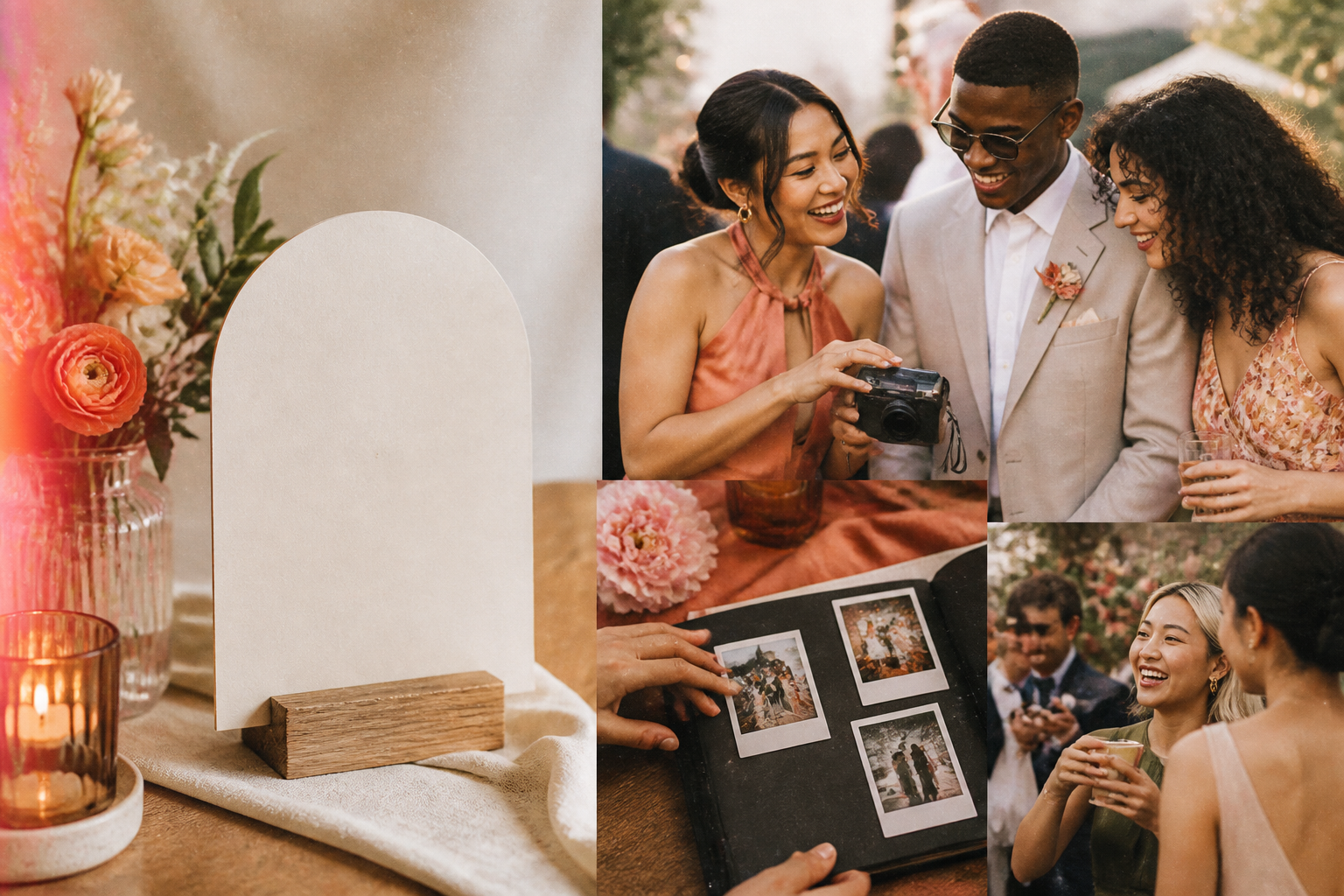
A wedding photo QR code sign should answer a guest’s questions before they have to ask them: What is this? What happens if I scan it? How do I use it?
That may sound simple, but a code on its own can be easy to overlook or hesitate over. A few plain words around it make the sign feel welcoming, useful and trustworthy. The aim is not to cram every instruction onto a small card. It is to give guests enough context to confidently take part while they are already enjoying the celebration.
For a shared guest-photo moment, put the sign where people have their phones out and a spare moment to scan: near the bar, guest book, seating plan, table settings or exit point. Wedding planning guidance also suggests signs and printed wedding materials as practical places to let guests know about a photo QR code. The Knot.
The essential elements of a wedding photo QR code sign
Start with a purpose-led heading
Your heading should say exactly what the code is for. Avoid vague phrases such as “Scan me” with no explanation. Guests are more likely to engage when they can immediately see the benefit and destination.
For a still-photo collection, clear heading options include:
- Share your wedding photos
- Help us capture the moments we may miss
- Add your photos to our wedding gallery
- Snap a photo for Alex & Sam
- Share the fun from today
Keep the heading short, prominent and warm. It should make sense even if a guest only glances at the sign while walking past.
If you are using onesnap, be precise about the experience: it is a shared disposable camera for still photos. Avoid wording that suggests guests can add moving footage, as onesnap supports still photos only.
Include your names and wedding date
Add the couple’s names and the wedding date beside the QR code. This anchors the sign to the occasion and reassures guests that they have reached the intended destination.
For example:
Alex & Sam — 18 October 2026
This small detail is also a sensible safety cue. NSW digital guidance recommends being cautious about QR codes that do not explain their purpose or destination. Clear event identification helps a guest understand why the code is there before they scan. Digital NSW.
Give one plain-language action
Do not assume every guest scans codes often. A short instruction removes uncertainty, particularly for relatives or friends using older devices.
Use wording such as:
Open your phone camera, scan the code and tap the link.
That follows the usual QR-code scanning process described by Be Connected. If someone has an older phone, they may need to enable QR scanning in their camera settings.
For a onesnap event, you can tailor the instruction slightly:
Open your camera, scan the code and tap the link to join our shared photo roll.
Guests can join through the event QR code or invite link without creating a onesnap account or downloading an app.
Explain where the scan leads
One concise line about the destination is valuable. It makes an unfamiliar QR code feel less mysterious and tells guests what to expect after tapping the link.
Try one of these:
- This opens our wedding photo page.
- Scan to join our shared wedding photo roll.
- This takes you to our guest-photo collection.
- Take your photos here and we’ll reveal the roll later.
With onesnap, hosts choose when the shared roll is revealed. If you want to preserve the surprise of a disposable-camera feel, a gentle line such as “We’ll reveal the roll later” sets expectations without turning the sign into a lengthy explanation.

A complete sign-copy template
Here is a ready-to-adapt version for a wedding using a still-photo sharing page:
Share your wedding photos
Help us capture the little moments we may miss.
Open your phone camera, scan the code and tap the link to join in.
Alex & Sam — 18 October 2026
This opens our shared wedding photo roll.
Venue Wi-Fi: [network name] Password: [password]
Can’t scan? Visit: [readable web address]
If you would rather encourage a more playful, candid feel, use this alternative:
A photo from your point of view
Scan the code, take a few snaps and add to our wedding roll.
Alex & Sam — 18 October 2026
No app or account needed.
Can’t scan? Visit: [readable web address]
Choose one tone and keep it consistent with the rest of your stationery. Elegant and minimal works beautifully for a formal celebration; relaxed, conversational wording suits a backyard wedding or lively reception. In both cases, clarity matters more than cleverness.
Include Wi-Fi details when connectivity may be an issue
A QR code that leads to a webpage needs an internet connection. Be Connected notes that guests will need mobile data or Wi-Fi for web-linked codes.
If your ceremony or reception venue has patchy signal, add the venue Wi-Fi network name and password directly to the sign. It saves guests from needing to track down staff or hunt through venue information at the exact moment they want to participate.
If you prefer not to display the password broadly, write a simple alternative:
Wi-Fi details are available at the bar.
Or place the details on a sign beside the photo QR code, where guests can see both at once.
For onesnap events, each captured guest photo is saved on the guest’s device before an upload is attempted. If connectivity is unavailable at that moment, queued photos sync when connectivity permits. Even so, making Wi-Fi details easy to find is a considerate way to reduce friction for guests.

Always offer a fallback route
Not every guest will be able to scan a QR code immediately. A readable web address gives them another way to reach the same place.
Put a simple destination below the code:
Can’t scan? Visit: [your readable address]
Use a link guests can recognise as yours or as the service you have chosen. Avoid an unexplained shortened link where possible. Shortened URLs can hide the final destination, which can make people understandably cautious. Own Your Online specifically advises care with shortened links for this reason.
A fallback is also handy for guests who see the sign from a distance, want to return to it later, or are helping someone whose phone does not scan codes easily.
Make the sign feel safe to scan
QR-code safety is part of good guest experience. People are regularly encouraged to pause before scanning unfamiliar codes, so your wedding sign should look clearly intentional.
Use these practical trust signals:
- Put your names and date on the sign.
- State the purpose of the code in ordinary language.
- Explain where the code leads.
- Use a recognisable fallback address.
- Keep the code attached to your event signage rather than displayed as an unexplained sticker.
- Never ask guests to enter payment information or sensitive credentials after scanning.
Australian cyber guidance warns that malicious QR codes can redirect people to fraudulent pages and may be placed over legitimate codes. Cyber.gov.au recommends treating unexpected codes with care. A clearly labelled, well-designed wedding sign helps guests distinguish your genuine invitation from anything that looks out of place.
Print and test before the wedding day
The wording can be perfect, but the sign still needs to scan reliably. Print quality, staining and poor contrast can affect whether a QR code can be read. DENSO WAVE identifies these as potential scanning problems.
Before sending your sign to print or placing it at the venue:
- Keep the code clean and unobstructed. Do not place decorative text, florals or a logo over any part of it.
- Use strong contrast. A clean dark code on a light background is easier to recognise than a low-contrast design.
- Test the final printed version. Do not rely only on a successful scan from the design file on your computer.
- Try it on more than one phone. This gives you a more realistic check across different devices.
- Test it in the venue lighting. Scanning can be affected by distance, camera angle, lighting and a clean camera lens. Be Connected.
- Check the fallback address. Type it into a phone browser and confirm it reaches the same event.
It is worth testing the exact sign stock, finish and placement plan. A glossy surface, dim corner or sign placed behind a reflective frame may behave differently from the file you approved at home.
Keep it simple enough to use in the moment
Guests are unlikely to read a full set of instructions while chatting, holding a drink or heading back to the dance floor. Your sign works best when it can be understood in a glance:
- a clear invitation to share photos;
- a clear scan instruction;
- your names and date;
- a short explanation of the destination; and
- Wi-Fi and fallback details where needed.
That is enough to turn a square of code into a friendly part of the celebration. Give guests a clear, trustworthy route to participate, test it properly, then let the sign do its quiet work while everyone enjoys the day.
Sources and further reading
Written by the onesnap team with AI assistance. We never use customer photos, invent testimonials, or publish named competitor comparisons.
Read our editorial policyReady to see the night from every angle?
Create an event